IBO Player is the official app for TVRaptor. Available on virtually every platform and operating system, it offers a clean interface, smooth playback, and all the features you need for an excellent IPTV experience.
Quick Setup Steps
- Download and install IBO Player on your device
- Open IBO Player and note your device MAC address (shown on the main screen)
- Send your MAC address to TVRaptor support via WhatsApp or email
- We activate your device remotely - usually within minutes
- Restart IBO Player and start watching 32,000+ channels
Install on Android
Open the Google Play Store, search for "IBO Player", and install. Launch the app and follow the activation steps above.
Install on Amazon Fire Stick
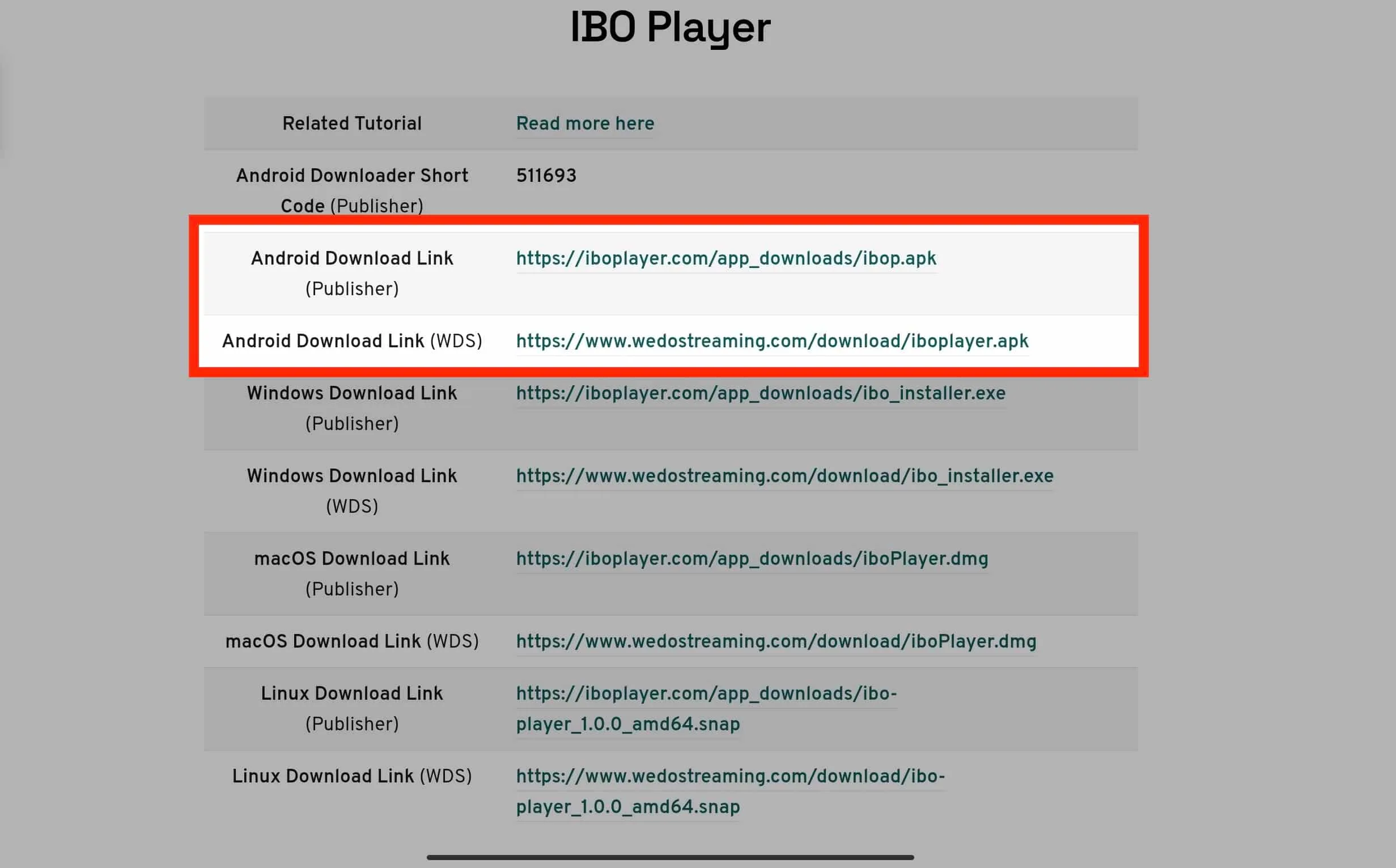
On your Fire Stick, go to Settings > My Fire TV > Developer Options > enable Apps from Unknown Sources. Then use the Downloader app to install IBO Player. Alternatively, search the Amazon App Store.
Install on Windows PC
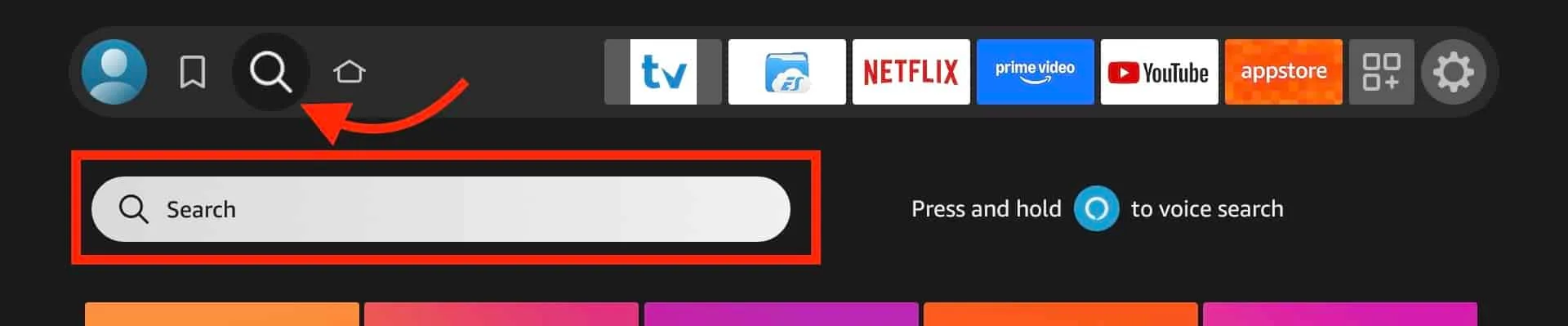
Visit the IBO Player website, download the Windows installer, and run it. Enter your credentials after installation.
Install on macOS
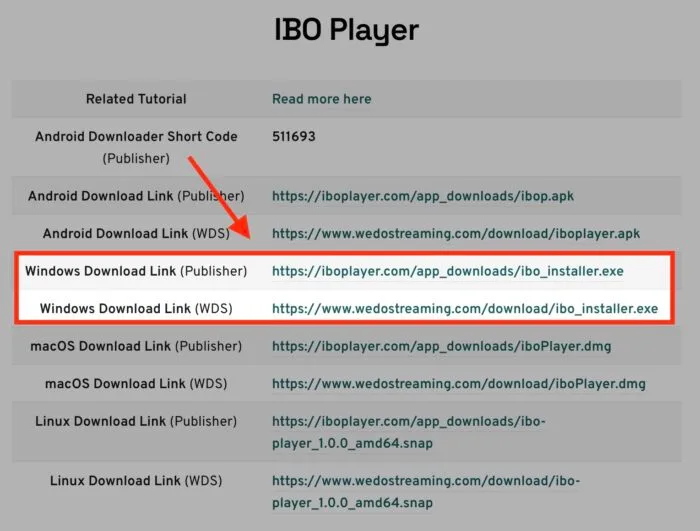
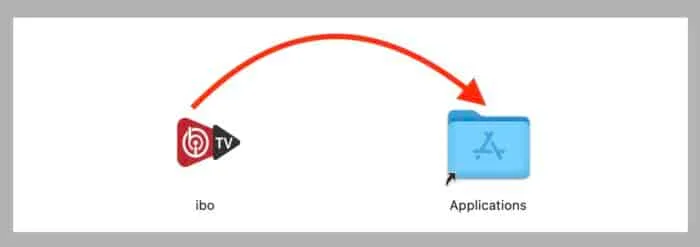
Download IBO Player from the Mac App Store or the official website. Install and activate with your TVRaptor credentials.
Install on Samsung & LG Smart TV
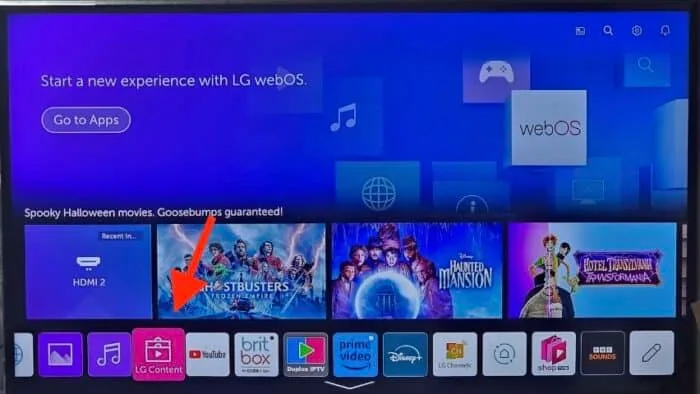
Open the app store on your Smart TV, search for "IBO Player", install, and activate using your MAC address.
Adding Your IPTV Playlist
After activation, IBO Player loads your channel list automatically. If you need to add a playlist manually:
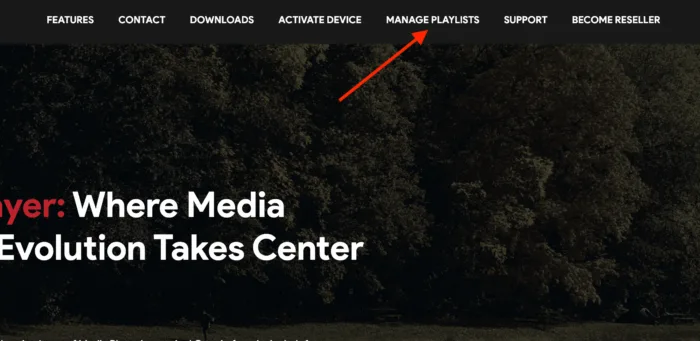
- Open IBO Player Settings
- Select "Add Playlist"
- Enter the M3U URL or Xtream Codes credentials provided by TVRaptor
- Save and restart the app
Troubleshooting
If channels do not load, try: restart the app, check your internet connection, or contact our 24/7 support via WhatsApp for instant help.